
Light Mode

Charts are half of technical analysis. Finding the right stock to chart is the other half.
Free account, just an email. No card.

Named to the Inc. 5000 list of America’s fastest-growing private companies six years in a row (2017–2022).

Investopedia: Best Short Term Stock Screener, 2024
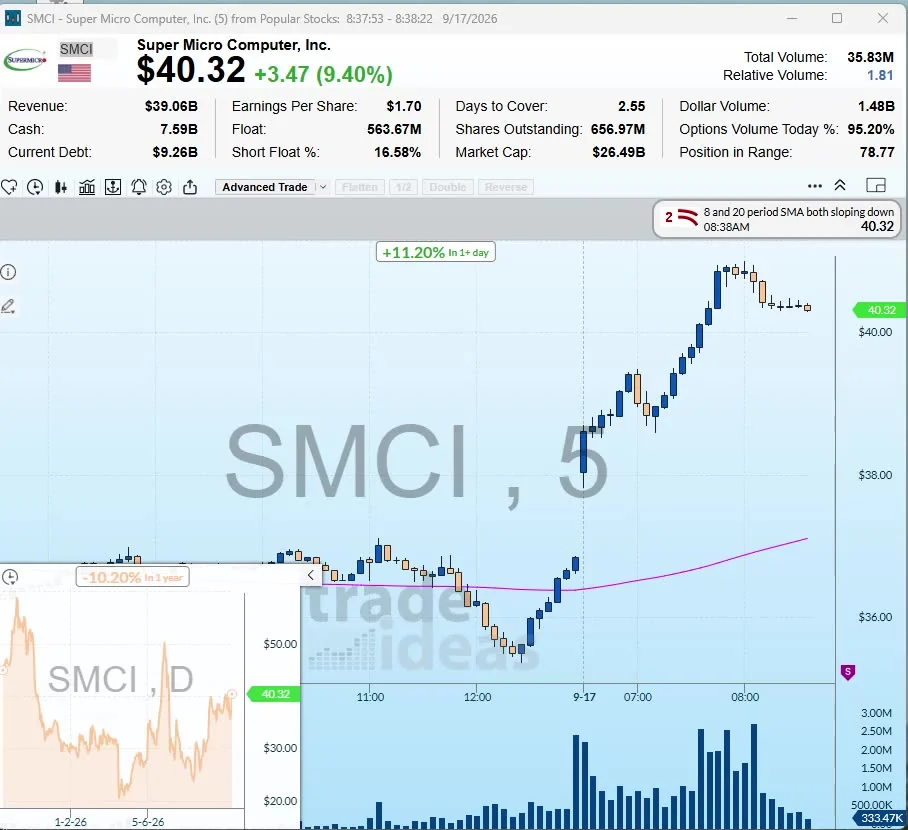
Most technical analysis software is built around one chart at a time. That is great once you know what to look at. The tools below split into two camps: chart-first tools, where you study a symbol, and scan-first tools, where the software finds symbols that already show the setup.
For pure charting, TradingView is the common pick. For automated chart analysis, TrendSpider. For finding stocks that are breaking out, crossing averages or forming patterns right now across the whole market, Trade Ideas, which is ours. Plenty of traders use one of each.
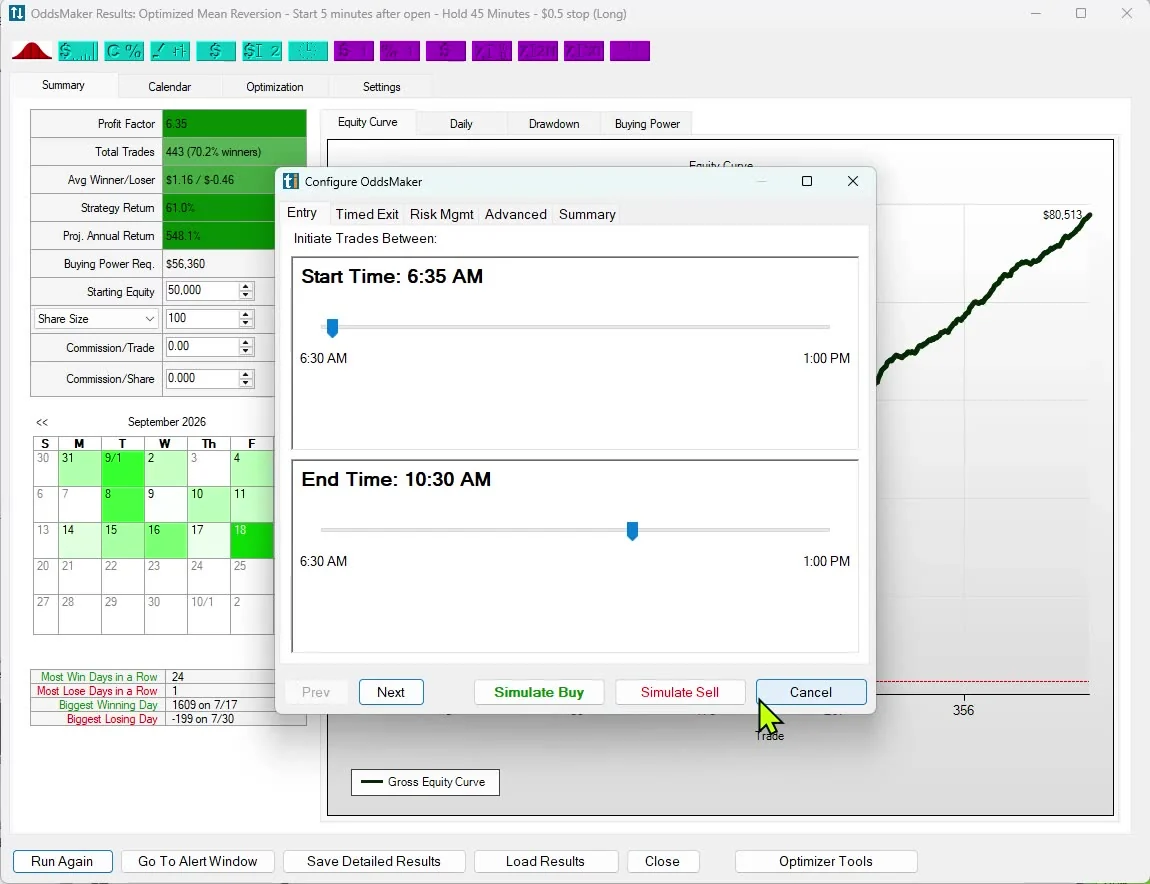
400+ built-in indicators, 100K+ community indicators, 110+ drawing tools, Pine Script and strategy backtesting, per its pricing page. Paid tiers are Essential, Plus, Premium and Ultimate; Premium was a $29.95 special on Oct 12. See Trade Ideas vs TradingView.
Automated trendlines and Fibonacci, chart pattern recognition, 300+ indicators, multi-timeframe analysis and backtesting are listed on every plan. Plans differ by limits, like scan frequency and backtest depth. See Trade Ideas vs TrendSpider.
$24.99, $49.99 and $99.99 a month. Charting, drawing tools and EasyScan, with Personal Criteria Formulas for writing your own conditions. See Trade Ideas vs TC2000.
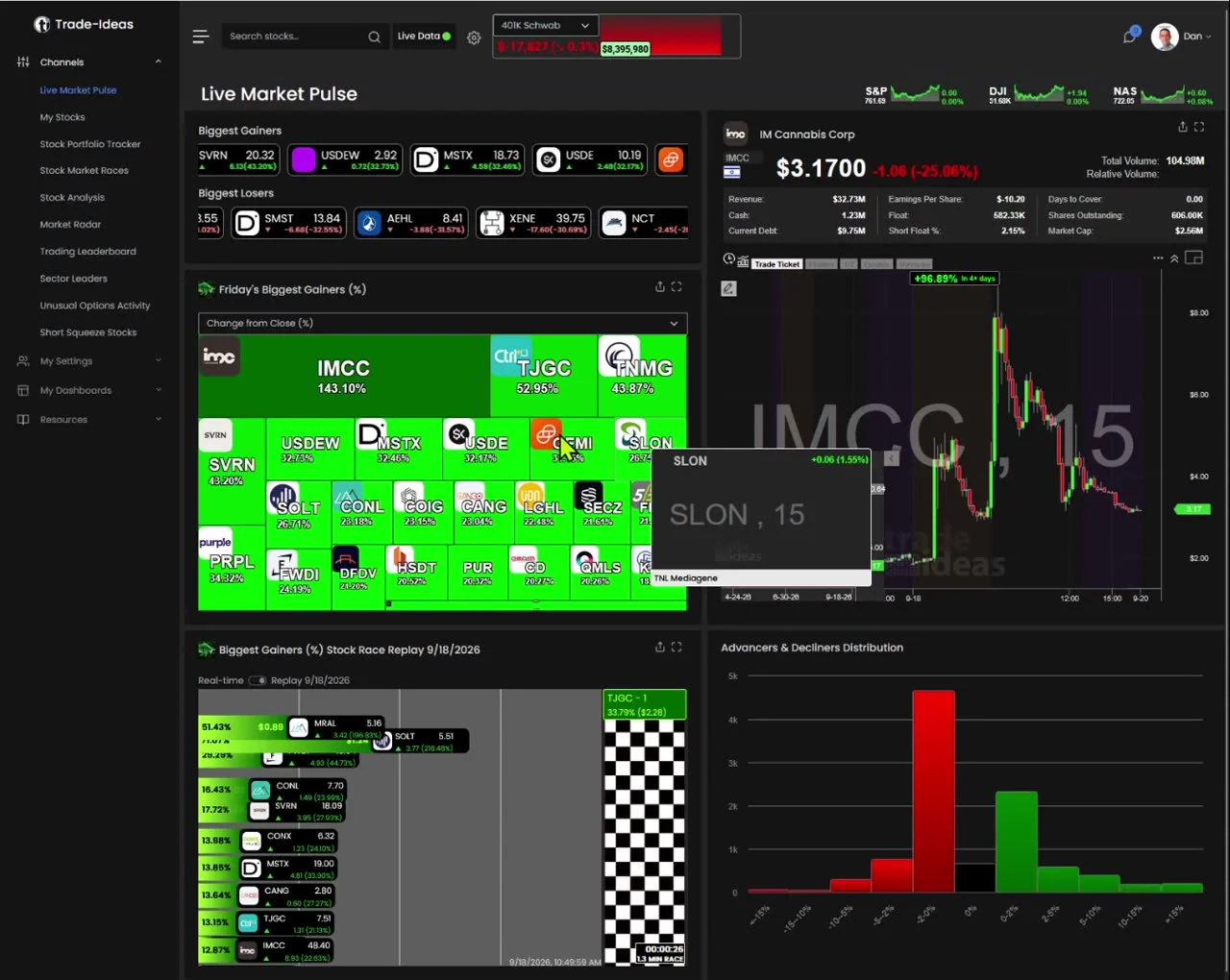
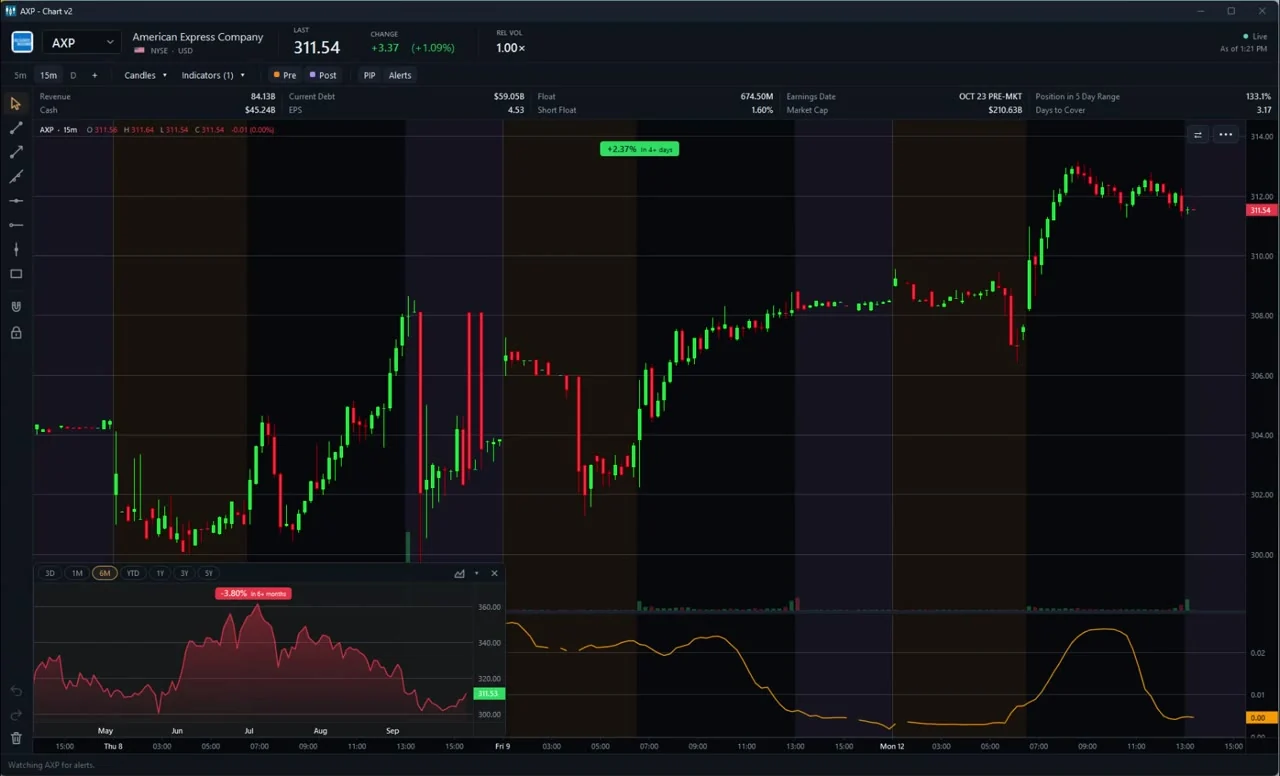
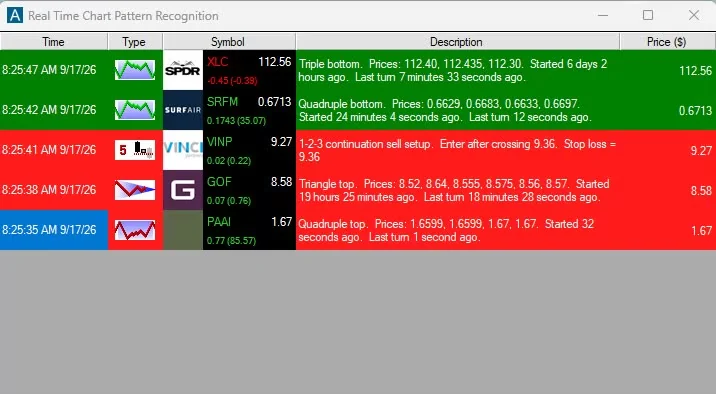
Trade Ideas puts the technical analysis into the scan. Alerts for moving average crosses, support and resistance breaks, Fibonacci retracements, candlesticks and chart patterns fire across every US stock as they happen. Charts show % change for the visible range and PiP adds a second timeframe inside the chart. TI Standard is $127 a month, or $1,068 a year (about $89 a month). TI Premium is $254 a month, or $2,136 a year (about $178 a month). See the technical analysis stock scanner.
$39.50 a month or $299.50 a year. A screener with technical filters, automatic pattern recognition on charts and up to 12 charts in a layout. See Trade Ideas vs Finviz.
A browser charting app with 50+ indicators, 25+ drawing tools, auto pattern recognition on paid plans and an AI analyst. Free, $14.99 and $29.99. See Trade Ideas vs ChartingLens.
We picked tools that technical traders actually use day to day and that list their features and prices on their own site. For each we looked at the depth of charting, whether you can scan for technical setups, backtesting, and cost. We make Trade Ideas, which is in the list and labeled as ours.
Most traders end up relying on a handful: moving averages, VWAP, RSI, ATR and volume. In Trade Ideas each has a live filter or alert: 20-day cross up, VWAP reclaim, Daily RSI, ATR and relative volume. Learn those well before adding more. A cluttered chart rarely makes better decisions.
If you already have a watchlist, a chart-first tool is enough. If you want to know which of thousands of stocks just crossed its 200-day average or broke resistance, you need a scanner that does the technical work for you. Filters like ADX, Daily RSI, Bollinger position and distance from the 50-day let you scan on indicators directly.
| Tool | Strength | Scans the market for setups? | List price checked |
|---|---|---|---|
| TradingView | Charts, community scripts, Pine Script | Yes, with auto-refresh every 10 sec or 1 min | Premium $29.95/mo special |
| TrendSpider | Automated trendlines, Fibs, patterns, backtests | Yes, frequency by plan | Regular entry plan $59 to $89/mo |
| TC2000 | Desktop charts, EasyScan, formulas | Yes, on upper tiers | $24.99, $49.99, $99.99/mo |
| Trade Ideas | Technical events across every US stock as they happen | Yes, streaming on the trade | $127/mo or $1,068/yr |
| Finviz Elite | Fast screener with technical filters | Yes, 10-second refresh | $39.50/mo or $299.50/yr |
| ChartingLens | Low-cost charts with an AI analyst | Screener on paid plans | $0, $14.99, $29.99/mo |
TradingView. If you want the deepest chart, start here. The plan table lists 17 to 21 chart types depending on tier, intraday Renko and Point & Figure on upper plans, and second-based intervals at the top. Pine Script means you can write almost any indicator, and the community has already written most of them. Where it is thinner is live, market-wide alerts: its watchlist alerts are capped by plan, from 2 on Premium to 15 on Ultimate.
TrendSpider. TrendSpider tries to do the drawing for you. Automated trendlines, automated Fibonacci, machine vision and pattern recognition all come on every plan, and the plans differ by limits such as scanning frequency, from 2-hour scanning on the entry plan to 1-minute on the upper ones. Good for traders who want consistent lines without drawing by hand.
TC2000. A long-running desktop charting package. EasyScan steps you through building a condition, and Personal Criteria Formulas let you write your own. Real-time US stocks come through Nasdaq Basic, with consolidated tape as a $14.99 add-on per its pricing page.
Trade Ideas. Trade Ideas approaches technical analysis from the other end. Rather than drawing on a chart and waiting, you tell it the technical event you care about, like a 5-minute MACD cross above signal or an 8/20 SMA crossover, and it watches every US stock for it. Charts show % change for the visible range and update as you zoom, and PiP lets you see a longer range inside the intraday chart.
Finviz Elite. The quickest way to filter a list of stocks by technical conditions in a browser. Elite adds real-time data, intraday charts and a 10-second refresh.
ChartingLens. Real-time data on stocks, crypto, forex and metals on every tier, 50+ indicators, and on paid plans an AI that will analyze a chart screenshot. The low price is the main reason people pick it.
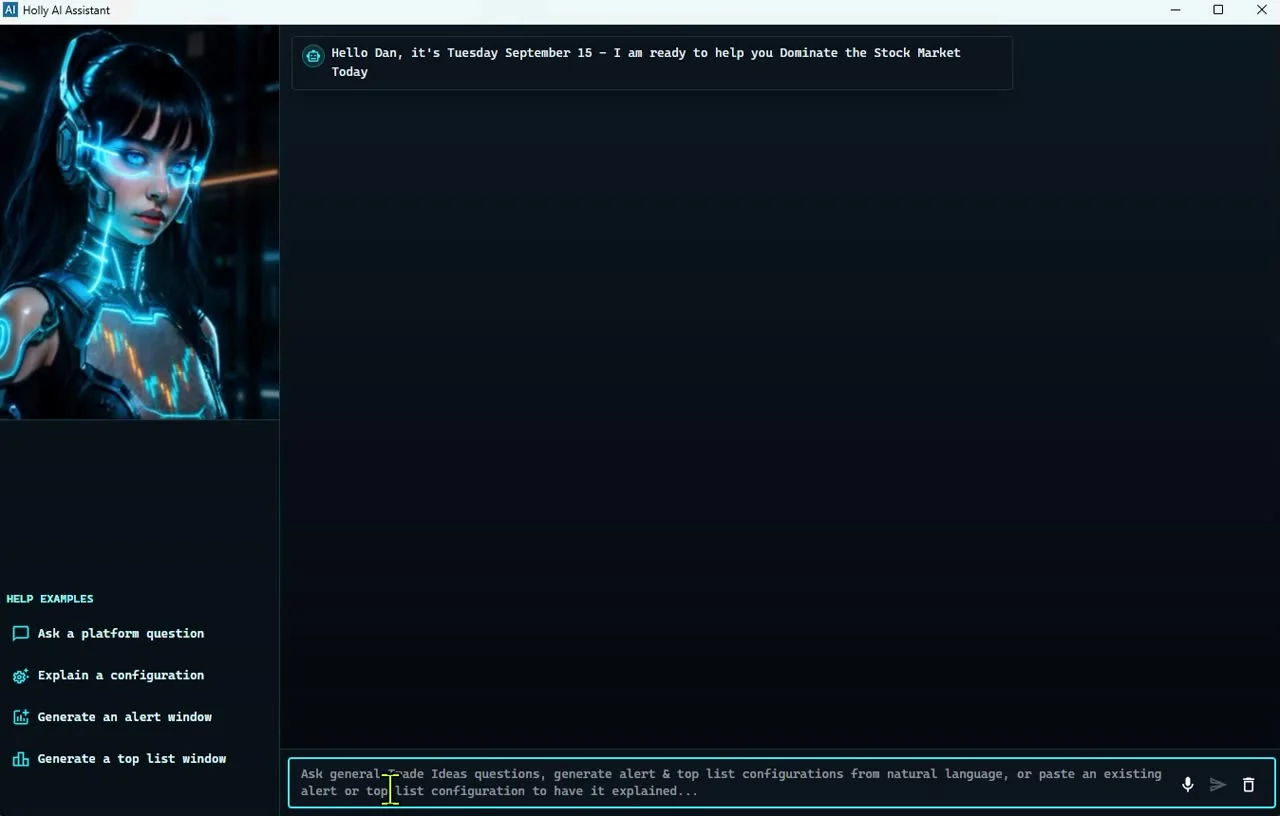
Here is a simple pullback-in-an-uptrend scan built entirely from standard filters and alerts. It shows how chart rules turn into a market-wide scan.
Using the prices we read: TC2000's lowest tier is about $300 a year paid monthly. Finviz Elite is $299.50 a year. ChartingLens Premium is $149. TradingView and TrendSpider move with promotions. Trade Ideas TI Standard is $1,068 a year. If all you need is a chart, the cheaper tools make sense. Trade Ideas costs more because it is doing the watching for you across the whole market.
Most charting tools let you add a moving average and look at it. Turning that into a scan is where tools differ. In Trade Ideas every common average has both a filter, which measures distance, and an alert, which fires on the cross.
For daily averages, the 20-day, 50-day and 200-day distance filters let you find stocks stretched far from an average or sitting right on it. For crosses, the 20-day, 50-day and 200-day cross-up alerts fire the moment price crosses, and the 200-day cross down covers the other side. Intraday averages on 2, 5, 15 and 60-minute charts have their own filters, like change from 20-period SMA (5 min).
VWAP works the same way: Crossed Above VWAP and Crossed Below VWAP alert on the cross, and multi-day anchored VWAP filters like 1-week VWAP measure distance. RSI is a filter on the daily chart, Daily RSI, that you can combine with any alert.
Drawing support and resistance is the most common thing technical traders do, and the most subjective. Two people will rarely draw the same line. Software helps by being consistent. TrendSpider draws trendlines automatically. Trade Ideas works from levels it calculates on every stock, and alerts when price crosses them.
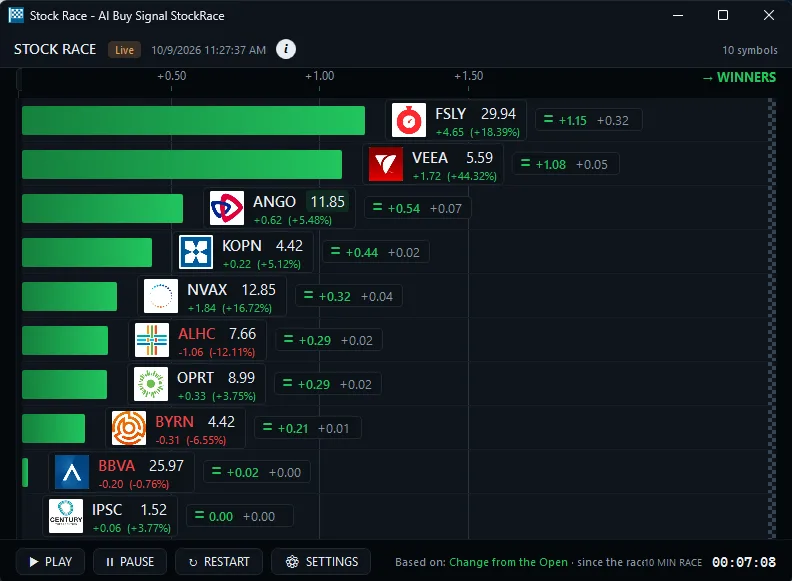
The Crossed Above Resistance and Crossed Below Support alerts fire on the cross; their confirmed versions, CARC and CBSC, wait for the move to hold. Crossed Daily Highs Resistance looks at multi-day highs. Pivot filters like Distance From Pivot, R1 and S1 tell you how close a stock is to the standard floor-trader levels.
Fibonacci gets its own category: buy signals at the 38%, 50%, 62% and 79% retracements, and matching sell signals. They are a fair way to find pullbacks in stocks that have already made a strong move, without drawing a single line.
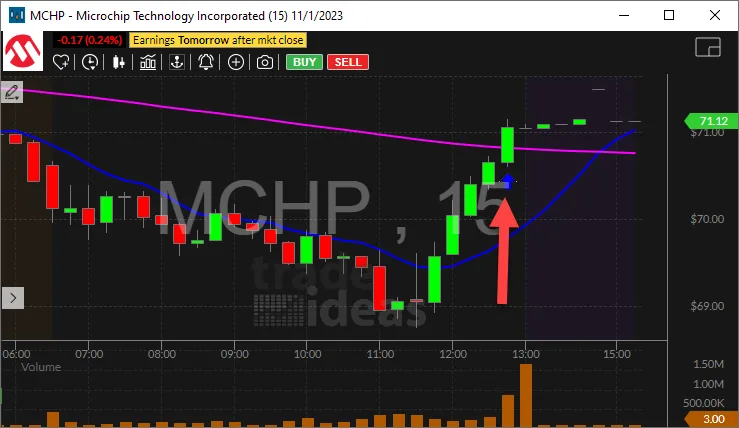
Price tells you where a stock went. Volume tells you how many people agreed. A breakout through resistance on twice the normal volume is a very different event from the same breakout on half the normal volume, even though the candles may look alike.
Every tool here shows a volume bar under the chart. Fewer let you scan on volume in a useful way. Relative volume, which compares today with the stock's normal pace at this time of day, is the measure most day traders lean on. Trade Ideas has it both as an alert, High Relative Volume, and as a filter, Volume Today (%). Float Turnover goes one step further for small caps by comparing volume with the shares available to trade.
If you take one habit from this page, make it this: before acting on any technical signal, look at volume. Most of the false signals we see come from moves with nobody behind them.
From www.tradingview.com/pricing/, trendspider.com/pricing/, www.tc2000.com/pricing, finviz.com/elite.ashx, chartinglens.com/, read Oct 12, 2026.
For charting, TradingView. For automated chart analysis, TrendSpider. For scanning every US stock for technical setups in real time, Trade Ideas.
TradingView has a free Basic plan, Finviz has a free version and ChartingLens has a $0 plan, each with limits.
Yes. Trade Ideas has filters for RSI, ADX, ATR, Bollinger Bands and moving averages that work across every US stock, plus alerts for crosses and breakouts.
TI Standard is $127 a month, or $1,068 a year (about $89 a month). TI Premium is $254 a month, or $2,136 a year (about $178 a month).
TradingView lists 400+ built-in and 100K+ community indicators. TrendSpider lists 300+.
Yes. Many traders find stocks with Trade Ideas alerts and chart them in TradingView.
Past results, including backtests, don't guarantee future results.
Free account, just an email. No card. Live access for a limited time. Ready to buy? See plans & pricing

