
Light Mode

Some tools draw patterns on the chart you open. Some find the patterns across the whole market.
Free account, just an email. No card.

Named to the Inc. 5000 list of America’s fastest-growing private companies six years in a row (2017–2022).

Investopedia: Best Short Term Stock Screener, 2024
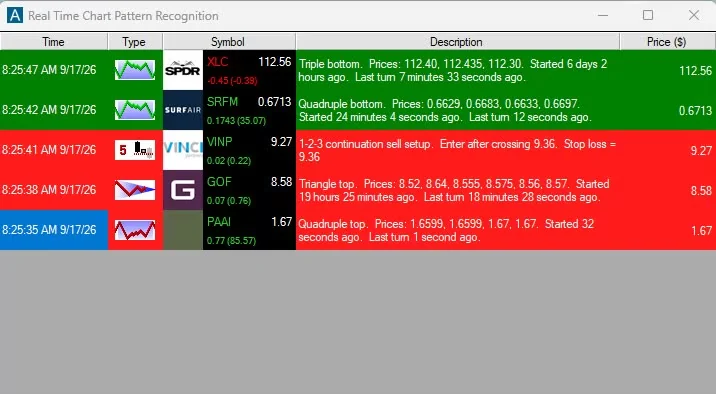
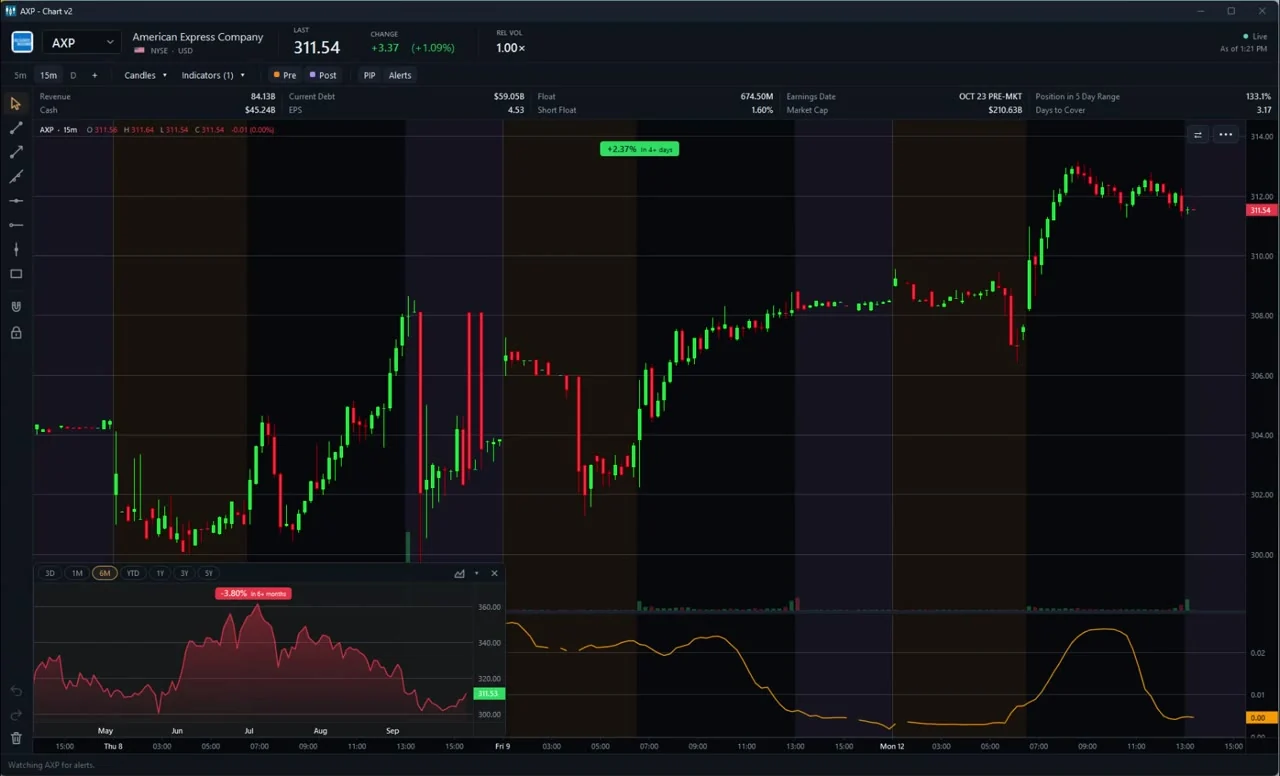
Pattern recognition comes in two flavors. On-chart recognition marks a head and shoulders or a triangle on the symbol you are already looking at. Market-wide recognition tells you which stocks are forming that pattern right now. The first helps you read a chart. The second helps you find one.
TrendSpider, TradingView, Finviz Elite and ChartingLens all list on-chart pattern recognition. Trade Ideas, ours, does it market-wide in real time. ChartingLens's AI Pattern Screener sits in between, searching 2,000+ stocks or a watchlist.
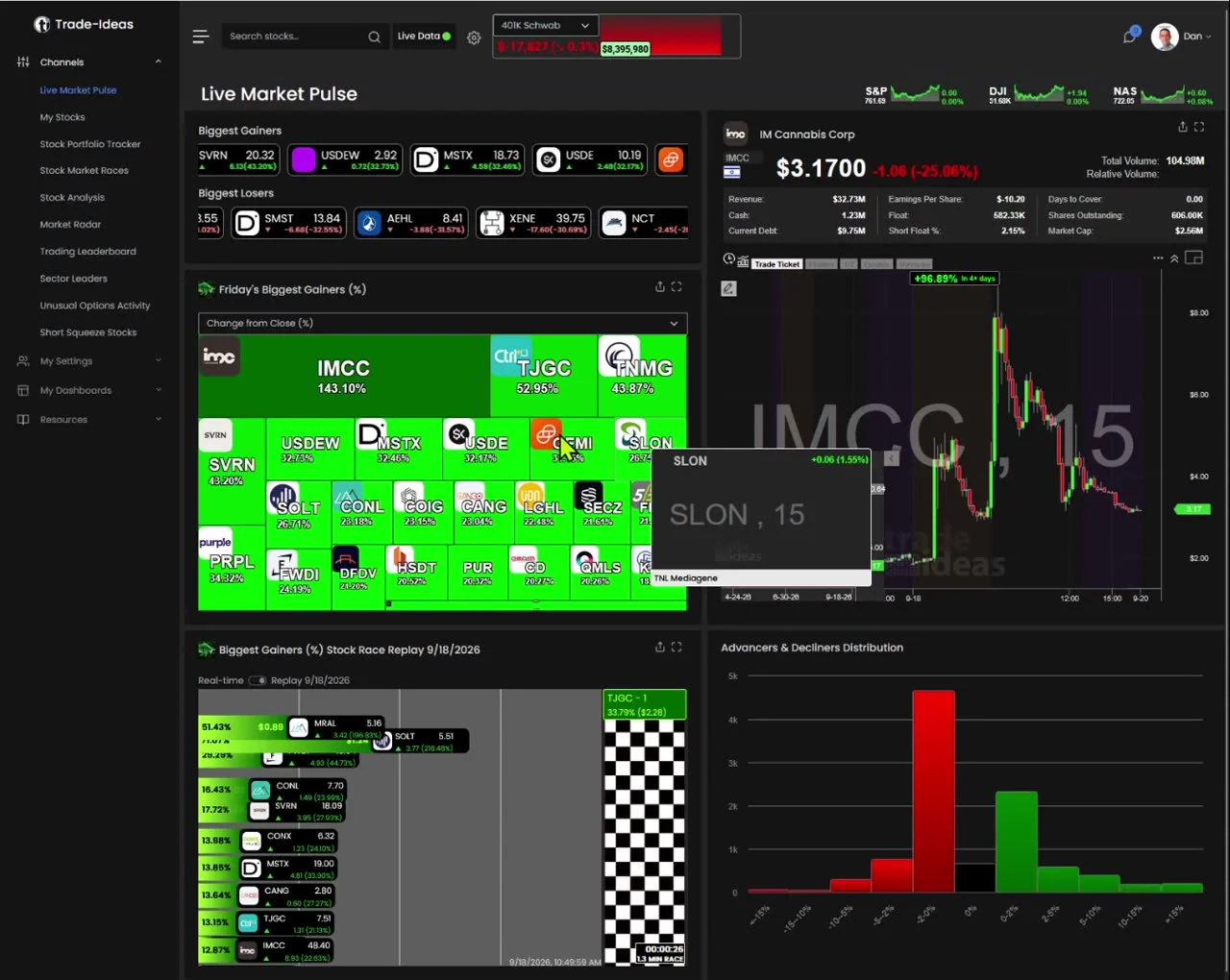
Pattern alerts stream across every US stock: head and shoulders, inverse head and shoulders, double bottom, double top, triangles, rectangles and broadening patterns, plus candlesticks like hammers and dojis. See chart pattern recognition and the chart pattern category. TI Standard is $127 a month, or $1,068 a year (about $89 a month). TI Premium is $254 a month, or $2,136 a year (about $178 a month).
Lists chart pattern recognition, automated trendlines and Fibonacci, and machine vision analysis on every plan. Scan frequency depends on plan. See Trade Ideas vs TrendSpider.
Auto chart patterns and candlestick pattern recognition appear in its plan table; auto chart patterns sit on the upper tiers. See Trade Ideas vs TradingView.
Charts with automatic pattern recognition, plus pattern filters in the screener. $39.50 a month or $299.50 a year. See Trade Ideas vs Finviz.
Auto Pattern Recognition and an AI Pattern Screener across 2,000+ stocks or a watchlist on Premium ($14.99) and Pro ($29.99). See Trade Ideas vs ChartingLens.
No pattern recognition is listed on its pricing page, but EasyScan conditions and formulas let you build your own pattern-style scans. $24.99 to $99.99 a month. See Trade Ideas vs TC2000.
We included tools that list pattern recognition or pattern scanning on their own pricing or feature pages. We noted whether recognition is on-chart or across the market, which patterns it covers, and the price. TC2000 does not list pattern recognition, but its formula scans can approximate it, so we kept it with that caveat. Trade Ideas is ours.
The full list is in the chart pattern and candlestick categories.
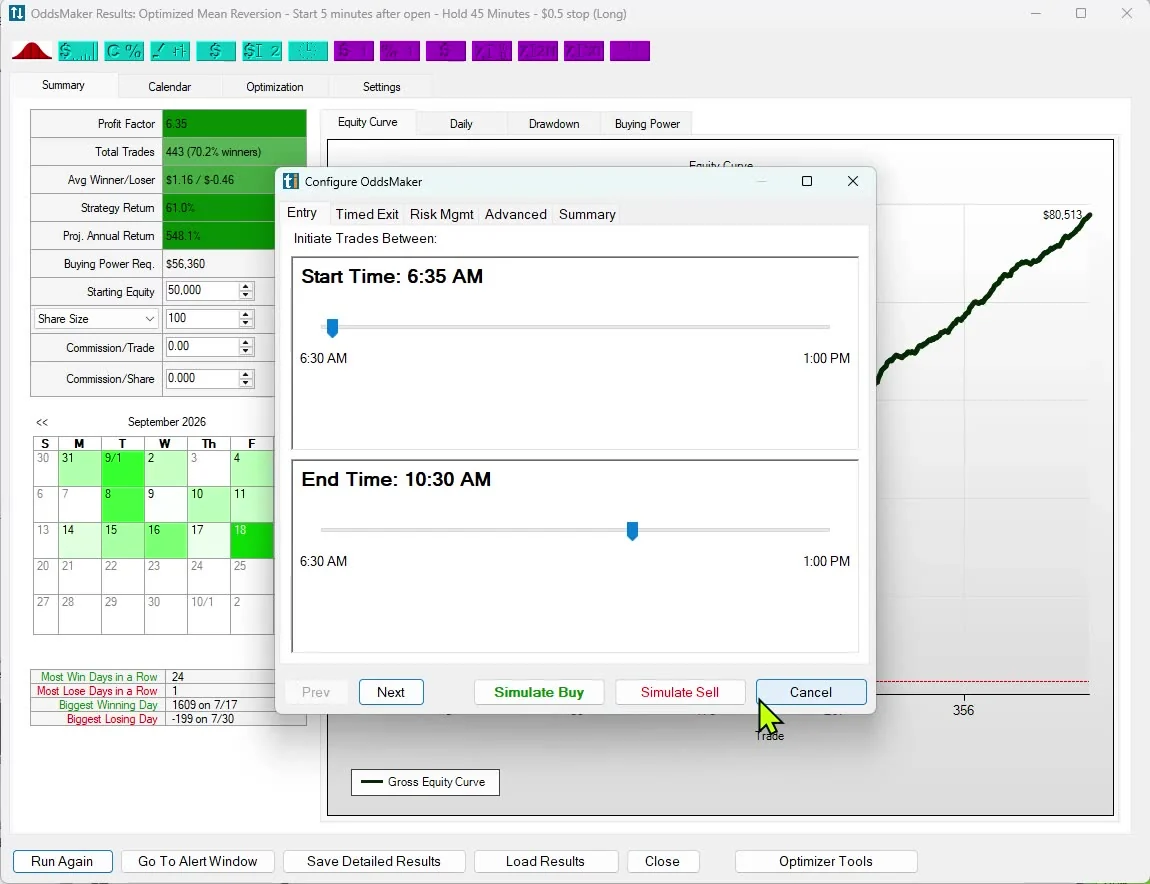
A pattern is only worth trading if it has held up. In Trade Ideas you can run a pattern alert through OddsMaker (TI Premium) across all stocks and see the win rate and profit factor. Add volume or ATR filters and test again. Past results don't guarantee future results.
| Tool | Where it finds patterns | Patterns listed | Price checked |
|---|---|---|---|
| Trade Ideas | Across every US stock, live | Head and shoulders, double tops and bottoms, triangles, rectangles, broadening, candlesticks | $127/mo or $1,068/yr |
| TrendSpider | On charts and in scans | Chart pattern recognition, machine vision | Regular entry plan $59 to $89/mo |
| TradingView | On charts | Auto chart patterns, candlestick patterns | Varies by plan |
| Finviz Elite | On charts and as screener filters | Automatic pattern recognition | $39.50/mo |
| ChartingLens | On charts; AI screener across 2,000+ stocks | Head and shoulders, double tops, triangles and more | $14.99/mo and up |
| TC2000 | Through your own formula scans | Not listed | $24.99/mo and up |
Picture two ways to look for a double bottom. In the first, you open a chart of a stock you already follow, and the software draws the pattern if it is there. In the second, you ask the software to tell you every stock where a double bottom just completed, and it hands you a list as each one happens.
The first is a reading aid. It saves you from drawing and second-guessing your lines. The second is a discovery tool. It finds stocks you were not looking at. Most of the tools here are strongest at the first. Trade Ideas was built for the second, with each pattern as its own alert type streaming across the market.
Both are useful. If you trade a short watchlist, on-chart recognition is enough. If you want new names every day, you want market-wide detection.
Each geometric pattern in Trade Ideas is its own alert, documented on its own page with how it is detected. A double bottom alert, for example, fires when price completes the second low and turns up; a triangle top fires when a narrowing range resolves. Candlestick alerts come in several fixed timeframes, so you can pick a 15-minute hammer instead of a 5-minute one.
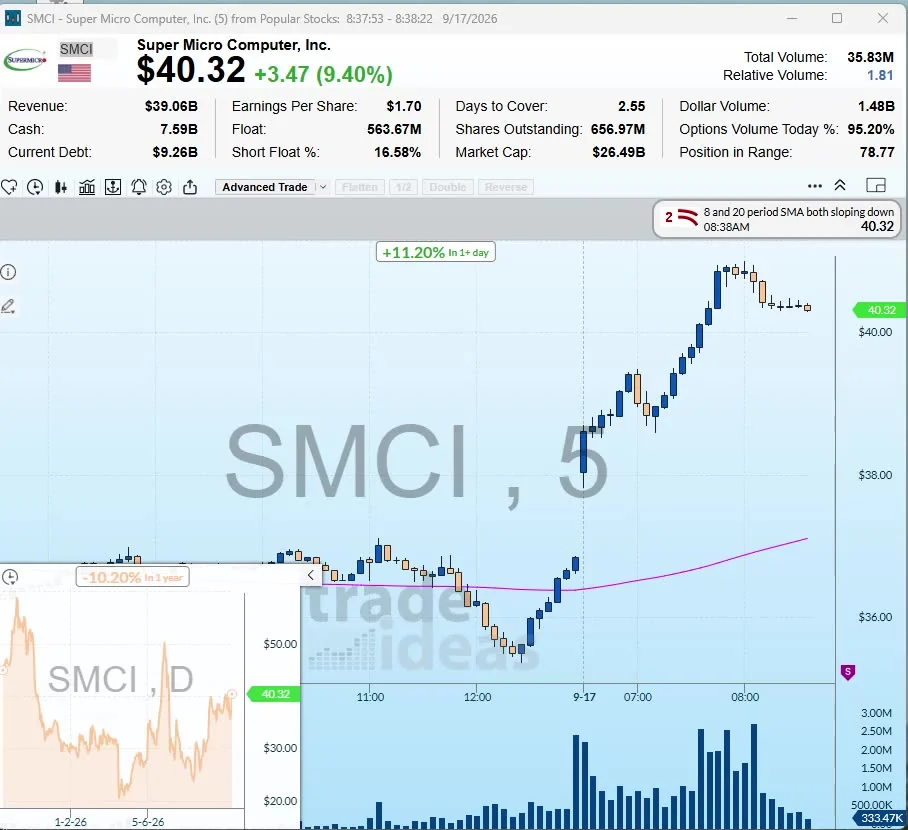
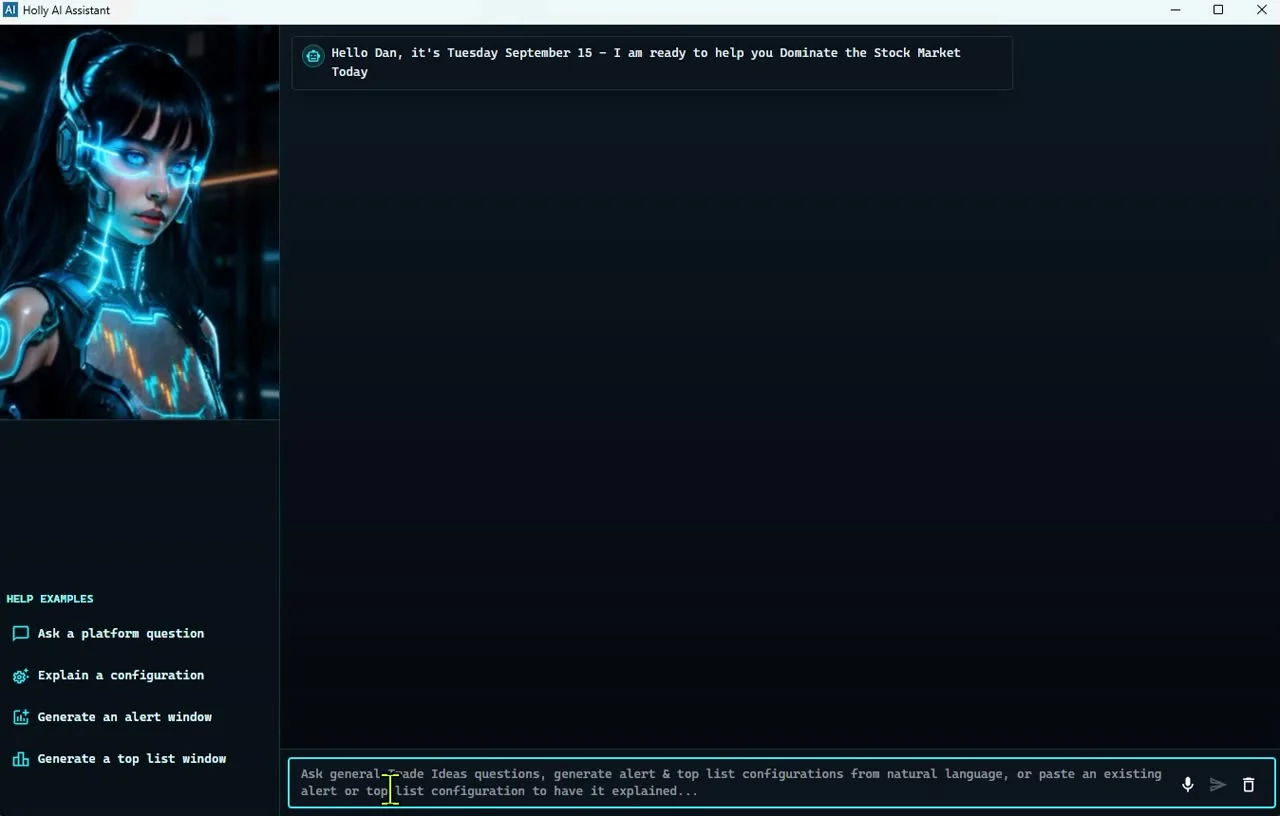
Because they are alerts, they combine with filters. A double bottom on a $3 stock trading 50,000 shares is a different thing from one on a $60 stock trading 5 million. Add Price, Dollar Volume and ATR filters so the patterns you see are the ones you can actually trade.
From the pages we read: ChartingLens Premium is $149 a year, Finviz Elite $299.50, TC2000's base tier about $300 paid monthly, and Trade Ideas TI Standard $1,068. TrendSpider and TradingView depend on plan and promotion. Pattern recognition on a chart is cheap to buy. Market-wide, real-time pattern detection is where the higher price comes in.
Trade Ideas. Geometric patterns sit in their own category, and candlesticks in another. Each alert has a page explaining what it looks for. Because they stream on the trade, the time between a pattern completing and you seeing it is short. Pair them with OddsMaker on TI Premium to see how a pattern has behaved before.
TrendSpider. Pattern recognition is part of a wider set of automatic chart tools, including automated trendlines and machine vision analysis, listed on every plan. Scan frequency is a plan limit, from every 2 hours on the entry plan to every minute on the higher ones.
TradingView. Candlestick pattern recognition and auto chart patterns both appear in its feature table, with auto chart patterns tied to higher tiers. The community library adds many more pattern indicators written by users.
Finviz Elite. Its own page says charts come with automatic pattern recognition, and the screener has pattern filters. It is a quick way to get a daily list of stocks showing a pattern.
ChartingLens. Auto Pattern Recognition and an AI Pattern Screener you can ask in plain English, like which stocks have a double top on the 1-hour chart. Both are on paid plans.
TC2000. No built-in pattern recognition is listed on its pricing page. Experienced users write formula conditions that approximate patterns, but that takes work.
A hammer on a 5-minute chart and a hammer on a 60-minute chart mean different things. The first is a short-lived intraday turn. The second carries more weight because more trading went into it. Trade Ideas splits candlestick alerts by timeframe for that reason: 5-minute, 15-minute, 30-minute and 60-minute hammers each have their own alert, and the same goes for dojis, hanging men and bottoming tails.
A good habit is to require agreement. For example, take a 5-minute hammer only when the stock is above its 20-period average on the 15-minute chart. It cuts the number of alerts and tends to leave the cleaner ones.
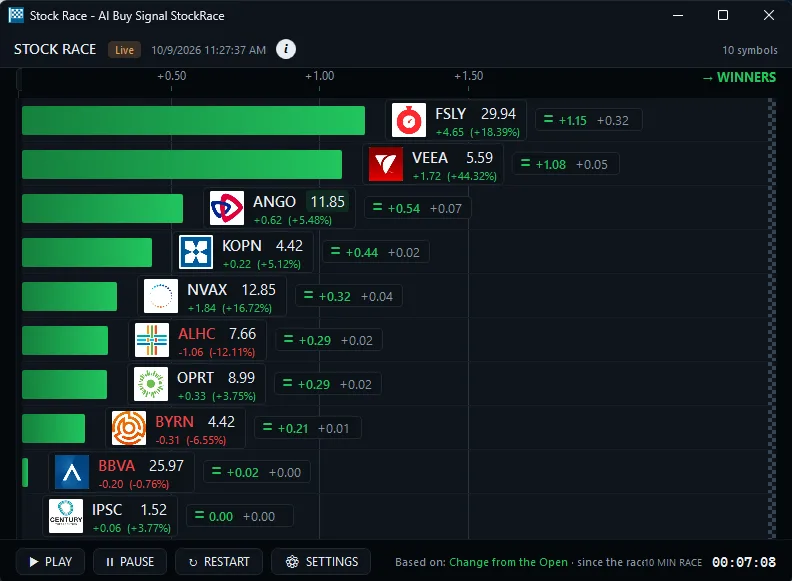
Every one of these has a Trade Ideas alert page that explains how the software detects it.
Patterns form in extended hours too, but on thin volume they can be misleading. Most traders wait for the regular session to confirm. A practical approach is to use extended-hours levels as reference points: the premarket high and premarket low alerts tell you when a stock takes out those levels after the open, which often lines up with a pattern breakout on the intraday chart.
After the close, the post-market highs alert and the post-market volume filter show which stocks are moving on late news, which can set up the next morning's patterns.
Pattern recognition software, ours included, finds shapes in price. It does not know why the shape formed. A double bottom that forms ahead of an earnings report can be wiped out by the report. Check the earnings date before trading a pattern, and size the trade so a gap through your stop does not do real damage.
New users are often surprised by how many pattern alerts the market throws off. Across thousands of stocks, simple patterns like dojis complete constantly during the day. Without filters, the window scrolls faster than you can read it.
The fix is to narrow before you watch. Start with a price range and a minimum dollar volume, then add a trend filter, then a volume filter. Each one cuts the list. A good target is a window that shows a handful of names an hour, few enough that you can open and judge each chart.
Geometric patterns like head and shoulders and double bottoms take longer to form, so they fire far less often than candlesticks. Many traders run one window for geometric patterns all day and use candlestick alerts only as a timing tool on stocks already on their list.
From trendspider.com/pricing/, www.tradingview.com/pricing/, finviz.com/elite.ashx, chartinglens.com/pricing, www.tc2000.com/pricing, read Oct 12, 2026.
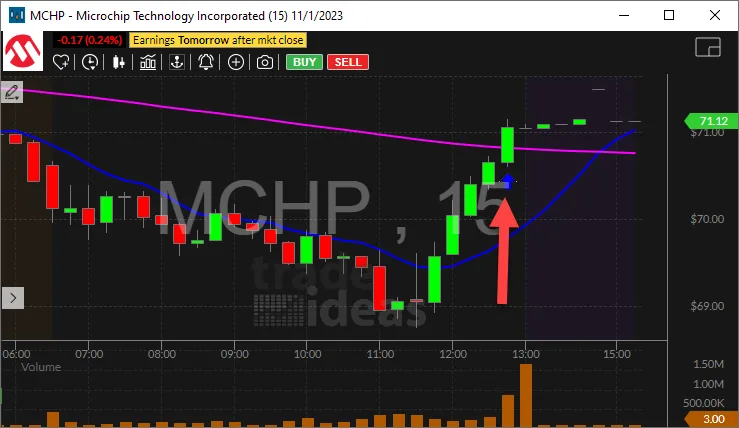
For finding patterns across every US stock in real time, Trade Ideas. For on-chart pattern marking, TrendSpider or TradingView.
Head and shoulders, inverse head and shoulders, double tops and bottoms, triangles, rectangles, broadening patterns and many candlesticks, each with its own alert.
Patterns fail often. Test them first, add volume and volatility filters, and use a stop.
ChartingLens Premium at $14.99 a month includes auto pattern recognition. Finviz Elite is $39.50 a month.
Yes. In Trade Ideas, OddsMaker (TI Premium) tests any pattern alert across all stocks with your stop and exit. TrendSpider also lists backtesting.
A confirmed version waits for extra evidence, such as the move holding, before it fires. It is slower but filters out some false starts.
Past results, including backtests, don't guarantee future results.
Free account, just an email. No card. Live access for a limited time. Ready to buy? See plans & pricing

