
Light Mode

The short answer: Benzinga Pro is a news desk, so the right alternative depends on what you need beyond the news. To find stocks by price and volume while they move, with Holly AI Signals, OddsMaker and a free Trading Room, choose Trade Ideas. If you like building your own real-time scans, Scanz. For charts, TradingView. For small-cap training, StocksToTrade. Trade Ideas makes one of the tools on this page.
This page is on Trade Ideas' own website. See our Trade Ideas vs Benzinga Pro page for a head-to-head view.
Free account, just an email. No card. Live access for a limited time.

Named to the Inc. 5000 list of America’s fastest-growing private companies six years in a row (2017–2022).

Investopedia: Best Short Term Stock Screener, 2024
Benzinga Pro starts with news. Audio squawk and a calendar suite sit on top, and a real-time scanner comes with Essential.
Real-time quotes from Nasdaq Basic come with every paid plan. Essential also includes Benzinga AI research.
If your trades begin with a headline, that is a full news desk in one subscription.
For the full feature list, see Trade Ideas vs Benzinga Pro.
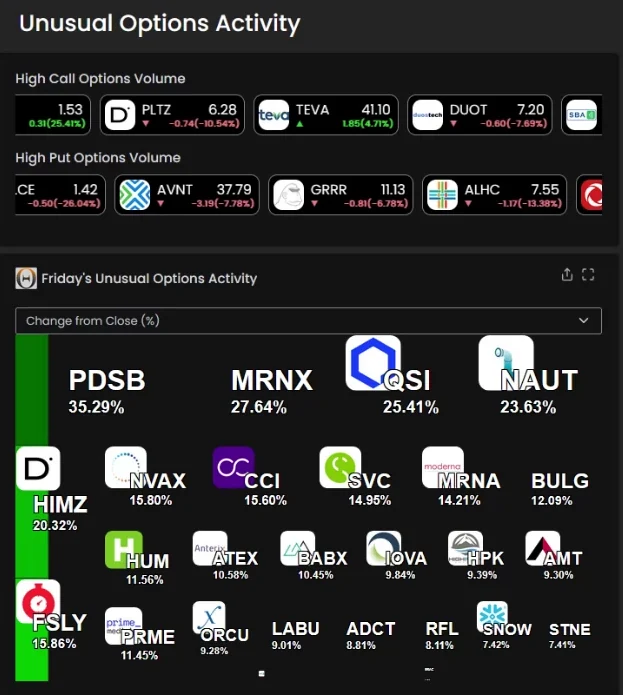
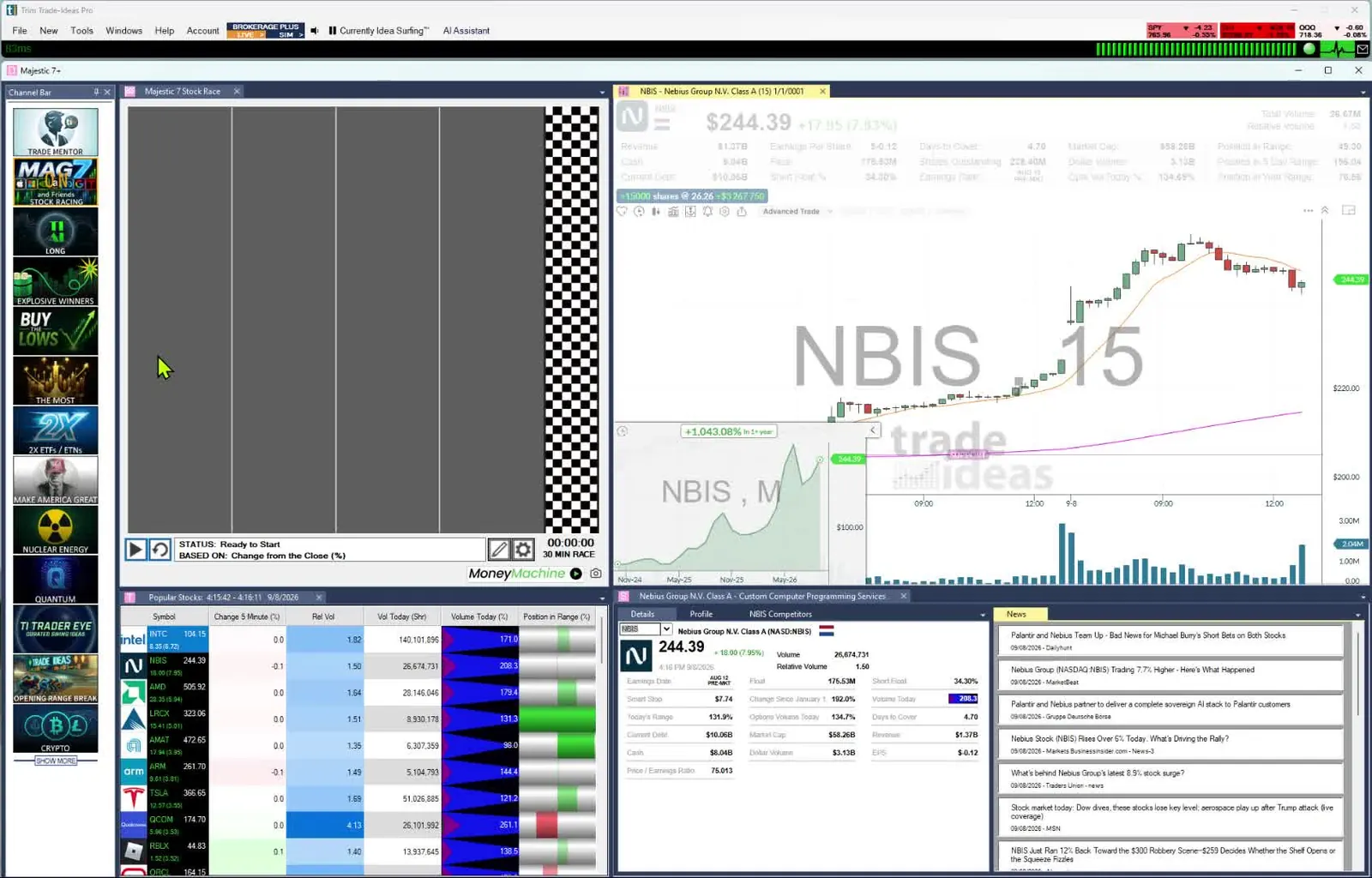
We put every Benzinga Pro alternative through the same six questions. Sources sit under How we checked.
| Tool | Replaces which part of Benzinga Pro | Real-time data | Backtesting | AI | List price | Best for |
|---|---|---|---|---|---|---|
| Trade Ideas | Scanner role plus AI and Trading Room | Yes. Both plans use live market data | OddsMaker, no code (TI Premium) | TI Premium: Holly AI Signals. All TI Pro plans: AI Assistant | TI Standard $127/mo ($1,068/yr); TI Premium $254/mo ($2,136/yr) | Scanners with Holly and OddsMaker |
| Scanz | Configurable real-time scanner | Yes, all plans | Not listed | Not listed | Starter $89, Pro $199, Ultra $999 a month | Fixed playbook scanners |
| TradingView | Charts | Screener auto-refresh on paid plans | Strategy backtesting; Bar Replay | AI screener requests | Basic $0; paid plans from $12.95/mo billed annually | Chart-first traders |
| StocksToTrade | Training plus small-cap scans | Real-time Level 1 | Not listed | Oracle algorithm | $179.95/mo or $1,899.50/yr | Small-cap training |
| TC2000 | Charts and scans | Real-time scanning on Premium | Not listed | Not listed | Basic $24.99 to Premium+ $99.99/mo | Budget charting |
| Unusual Whales | Options flow | Paid plans list real-time flow | Not listed | Not listed | Retail Basic $50 to Max $120 a month | Options flow traders |
Competitor prices and features checked October 12, 2026.
Drag the table to the side to read every column.
"Not listed": we looked on the vendor's pages and did not find it.
Best for scanners with Holly, OddsMaker and a Trading Room
A headline explains a move after it starts. Trade Ideas spots the move itself. Streaming Alerts can fire on every trade in US-listed stocks. On TI Premium, Holly AI Signals add an entry and a stop to manage risk, and OddsMaker tests a setup with no code. Barrie Einarson leads the free Trading Room.
Replaces: The scanner role, plus AI signals, backtesting and a live room.
What you can build. Our help documents 308 alerts and 249 filters one by one.
Any alert pairs with any set of filters, and every filter takes a minimum and a maximum, so a news trader can ask for a gap up reversal on stocks above a set relative volume and float. 191 of the alerts carry a setting of their own as well; for the gap reversal, it is the smallest retracement you want reported.
Price action at the bell is covered by opening range breakout and breakdown alerts at 1, 2, 5, 10, 15, 30 and 60 minutes, such as the 15-minute breakout, and indicator events such as a 15-minute MACD cross above its signal line fire on any stock, headline or not.
Worth knowing: Trade Ideas has an integrated news feed for the headlines, and its focus is real-time scanning. It covers US-listed stocks. Holly AI Signals, OddsMaker and Money Machine are on TI Premium. TI Pro is a Windows desktop app that Mac users can also run through Parallels; the web Dashboard runs in any browser with no download, though Streaming Alerts and Holly stay in TI Pro. Before you pay, you can open a free account and look at the Dashboard yourself.
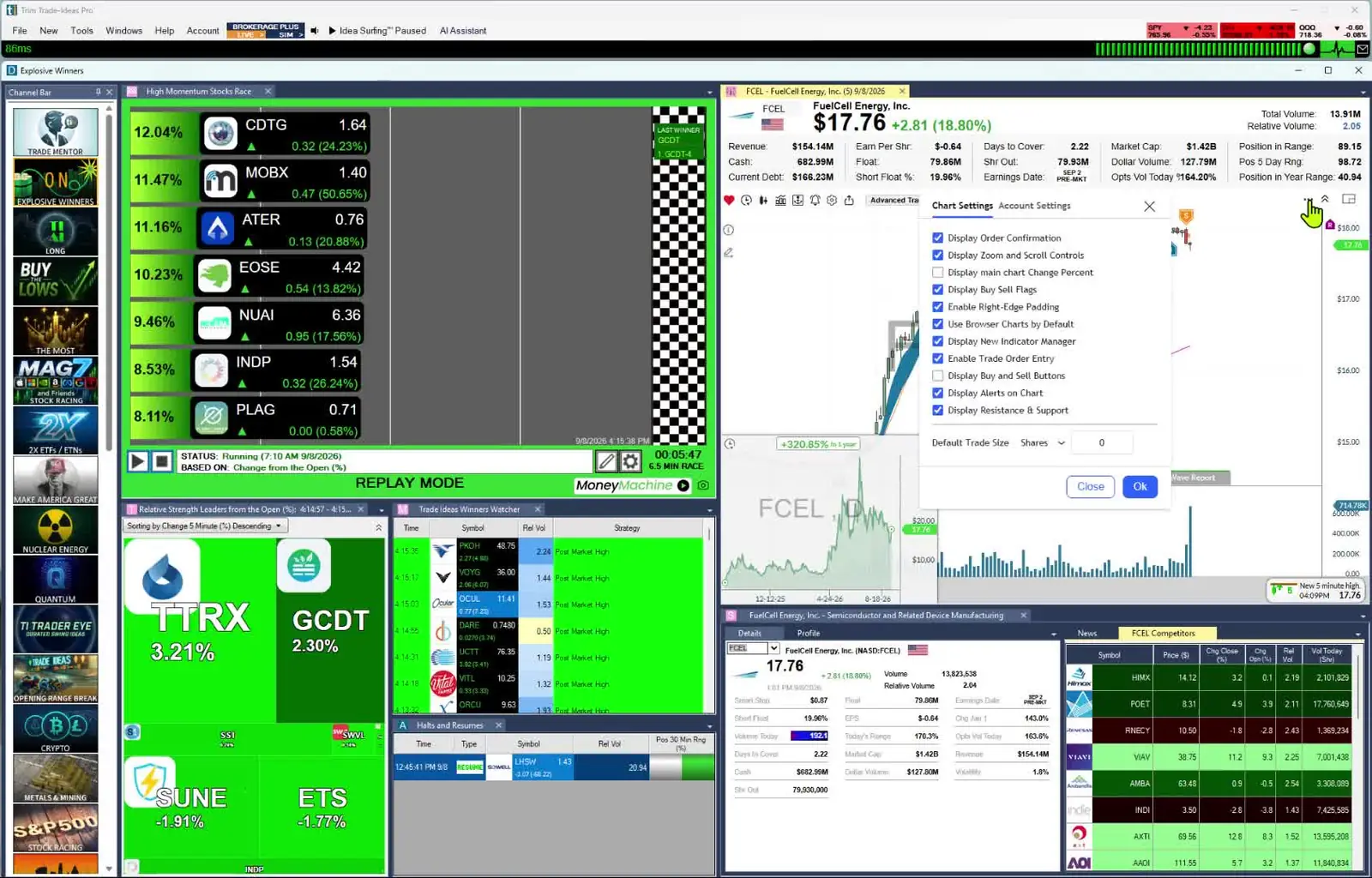
Your scan, your way. Ask the AI Assistant for it in plain English, or pick from 308 alerts and 249 filters in a no-code menu. Write any missing filter in the Formula Editor, then test it with OddsMaker on TI Premium, where Holly AI Signals also arrive each trading day with an entry and a stop to manage risk. The loop on our Data Difference page lists each hand-off, from data and formulas to backtests, optimization and the strategies Holly chooses overnight.
Best fit: Benzinga readers who want the scanner and the AI, and a beginner who wants the premium experience without setup.
Best for a self-built scanner with news scans
Benzinga starts with news. Scanz starts with the scan. It runs data, signal, news and SEC filing scans in real time.
Replaces: The Real-Time Scanner, plus Level 2 data.
Worth knowing: Starter limits you to one scan at once. No live teaching room is listed.
Best fit: Day traders who want news and filing scans in the same window as their price scans.
Best for charting the stocks the news points you to
A headline tells you a stock is moving. TradingView is where many traders go to see the chart. Its screeners reach stocks, ETFs and crypto on 150+ exchanges in 50+ countries, and custom studies are written in Pine Script.
Replaces: The charting and screening side, with coverage beyond US markets.
Worth knowing: Auto-refresh for the screener comes with a paid plan. Custom studies use Pine Script rather than Python.
Best fit: Traders who read the news elsewhere and want strong charts, including non-US markets.
Best for small-cap training plus a scanner
StocksToTrade is day-trading software. It pairs pre-built screeners with a training library.
Replaces: News-led idea hunting with preset small-cap scanners and course-style training.
Worth knowing: Level 2 and Breaking News Chat cost extra. Its pricing and features pages do not list a backtester.
Best fit: Penny stock traders who want lessons and a scanner on one bill.
Best for low-cost charts and scans
TC2000 combines charts with a built-in scanner. It suits a trader who wants charts and scans more than a news feed.
Replaces: Scans built on technicals, plus the charts.
Worth knowing: Scanning in real time begins at the Premium tier.
Best fit: Swing and chart traders who keep a close eye on cost.
Best for options flow
Unusual Whales is an options flow service. It shows unusual options activity, dark pool prints and related alerts.
Replaces: Options flow tape and options alerts.
Worth knowing: It is options-flow first. A full equity scanner stack is not the main product.
Best fit: Options traders who live in a flow tape.
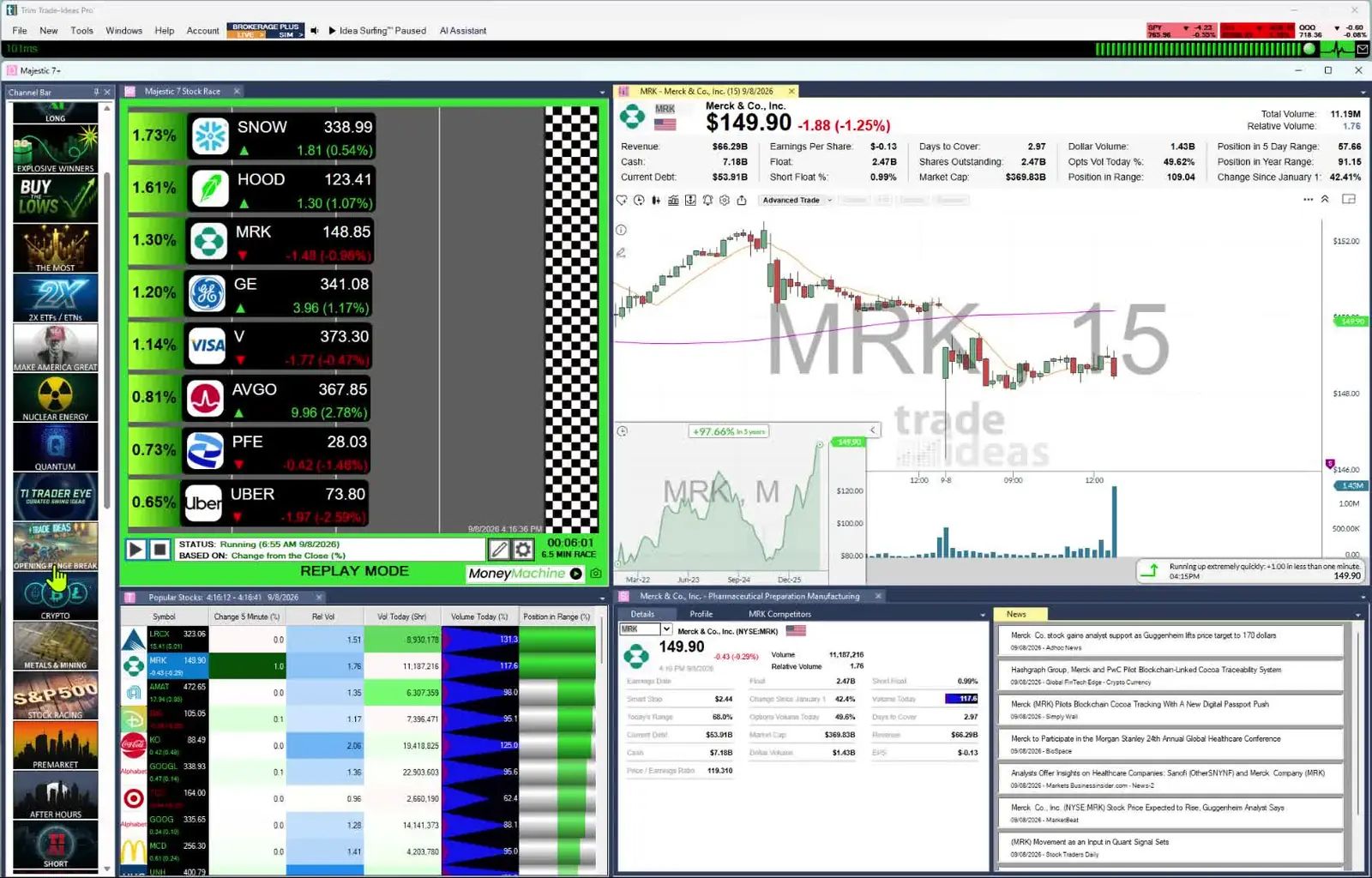
Plenty of traders are well served by Benzinga Pro. Keep it if any of these sound like you.
If you are okay with static non-refreshing data, Trade Ideas is probably not your best choice.
Trade Ideas leads with scanners, Holly, OddsMaker and a Trading Room. Benzinga Pro leads with news. Each row below pairs a Benzinga Pro habit with its Trade Ideas match.
| If you use this in Benzinga Pro | In Trade Ideas |
|---|---|
| News feed and squawk | Trade Ideas finds stocks through price and volume. If a headline is where you start, keep a news tool next to it. |
| Real-Time Scanner on Essential | Streaming Alerts and Top Lists (Screeners), included on TI Standard and TI Premium. |
| Benzinga AI research | Holly AI Signals on TI Premium, with an entry and a stop to manage risk. |
| Calendar suite | Use your preferred calendar. Trade Ideas focuses on live market events. |
| Added when you switch | OddsMaker on TI Premium: test a setup with no code. |
| Added when you switch | The Channel Bar, with ready-made channels on every plan. |
| Added when you switch | The Trading Room with Barrie Einarson, free. |
Competitor prices and features checked October 12, 2026.
Slide the table to see what each Benzinga habit becomes.
You don't need to build a scan to get started. Every plan has the Channel Bar in the TI Pro desktop app. Big Momentum Movers shows strong movers right away. S&P 500 stocks moving up quickly narrows it to large caps. More help is in Trade Ideas for beginners.
Think of Streaming Alerts as the scanner and Top Lists as the screener. Live market data drives both.
With TI Premium, Holly AI Signals show up during market hours. Each one has an entry and a stop to manage risk. Close it the same day or hold it longer.
Before you trust a news-day pattern, run it through OddsMaker on Trade Ideas history.
Past results, including backtests, don't guarantee future results.
Benzinga lists lower annual rates and a 14-day free period. High Beta Squawk is a $99-a-month add-on. These prices were read on October 6, 2026.
Every Trade Ideas plan includes the Channel Bar and the AI Assistant in TI Pro. Traders who want more than alerts beside their news pay for TI Premium, which carries Holly AI Signals, OddsMaker and Money Machine. Joining the Trading Room is free.
These are October 6, 2026 list prices. Check both sites before you subscribe, since prices move.
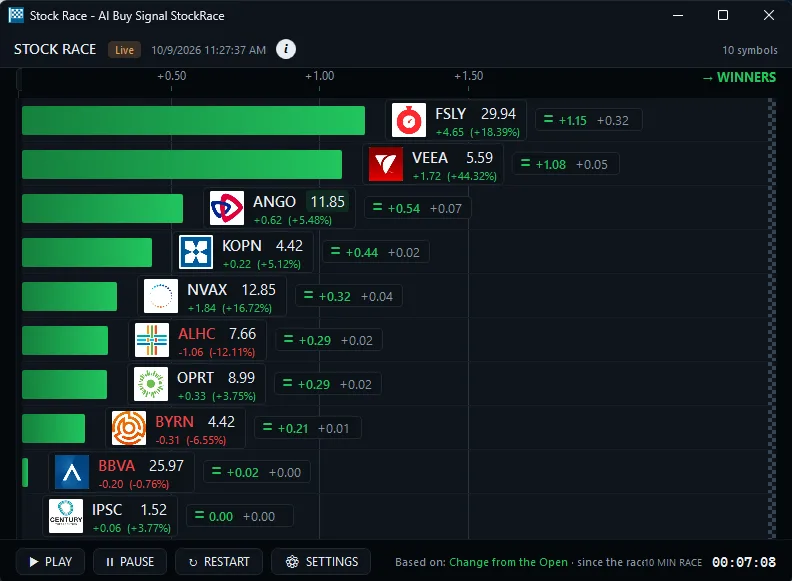
Sources (all read October 6, 2026): trade-ideas.com/pricing; pro.benzinga.com/pricing; scanz.com/pricing; tradingview.com/pricing; stockstotrade.com/pricing; tc2000.com/pricing; unusualwhales.com/pricing.
Revision history: this page first went live on October 6, 2026. Prices and features were all confirmed that day.
If the job is spotting stocks while they move, Trade Ideas is built for it; Benzinga Pro is built for its news feed. A lot of traders keep both, one to find the trade and one for the rest.
Before you settle Benzinga Pro or Trade Ideas, look this over.
If you want scanners plus Holly AI Signals, OddsMaker and a Trading Room, we pick Trade Ideas. We make it, so weigh that and compare. If news is the core of your day, Benzinga Pro still does that job well.
Partly. TradingView Basic costs $0. You can sit in the Trade Ideas Trading Room for free, although using the scanner requires a subscription. Benzinga Pro offers a 14-day free period.
As of October 2026, TradingView Essential cost $12.95 a month on annual billing and TC2000 Basic cost $24.99 a month. Benzinga Pro Basic cost $37 a month.
Yes. If a news terminal was the first trading tool you ever paid for, Trade Ideas is a good fit for a beginning trader who wants the premium experience. Channel Bar presets in TI Pro mean there is nothing to configure. The AI Assistant is in every TI Pro plan. Read Trade Ideas for beginners.
Benzinga Pro listed Basic at $37, Streamlined at $147 and Essential at $197 a month on October 6, 2026. For scanning next to that news feed, the two Trade Ideas plans were TI Standard at $127 monthly ($1,068 yearly) and TI Premium at $254 monthly ($2,136 yearly).
No. Holly AI Signals come in during the session, and you choose to exit that day or hold. Longer-term traders also use Streaming Alerts and Top Lists (Screeners) to time an entry.
No. Trade Ideas focuses on live price and volume discovery. Many traders keep a news tool and add Trade Ideas for scanning.
Yes. Plenty of traders read Benzinga for the why and use Trade Ideas for the what is moving now.
Free account, just an email. No card. Live access for a limited time. Ready to buy? See plans & pricing

