
Light Mode

Written by Daniel Mirkin, CEO of Trade Ideas, which makes the software described here.
Free account, just an email. No card. Live access for a limited time.

Named to the Inc. 5000 list of America’s fastest-growing private companies six years in a row (2017–2022).

Investopedia: Best Short Term Stock Screener, 2024
The short answer: The Trade Ideas Formula Editor is our scripting engine for stock scanners. You build your own measurements from Trade Ideas data, and each saved formula works as a filter on live Streaming Alerts and Top Lists across the whole market. It is in every TI Pro plan; backtesting a formula in OddsMaker needs TI Premium. Trade Ideas doesn't run Pine Script: Pine is a chart-script language, while these are market-wide real-time scanner formulas.
Built-in filters are measurements Trade Ideas has already defined; 249 of them. The Formula Editor lets you define new ones from the same variables, combined with math, comparisons, Boolean logic and if-then. The syntax is C-style. It is a power tool, included in every TI Pro plan for anyone with the skills to use it. Formulas save to your account and run like the built-in filters, so a custom indicator for the stock screener narrows every stock as trades print, not one chart at a time. A formula combines fields that exist; it doesn't create a new data feed.
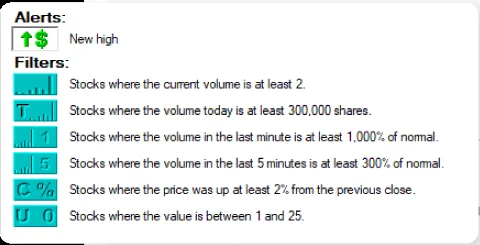
[Vol_10]/[Float]*100: the percent of the float traded in the last 10 minutes (from the live Formula Editor page).v_up_1 / v_up_5 * 5: with a minimum of 2, only stocks whose last minute of volume is at least twice the average one-minute pace of the prior five minutes.(v_up_5/(v_up_10-v_up_5))*100: volume in the last 5 minutes compared with the 5 minutes before (from the Volume 5 Minute filter help page).These are examples of the syntax, not trading recommendations. The variable codes come from the filter codes list in the help pages.
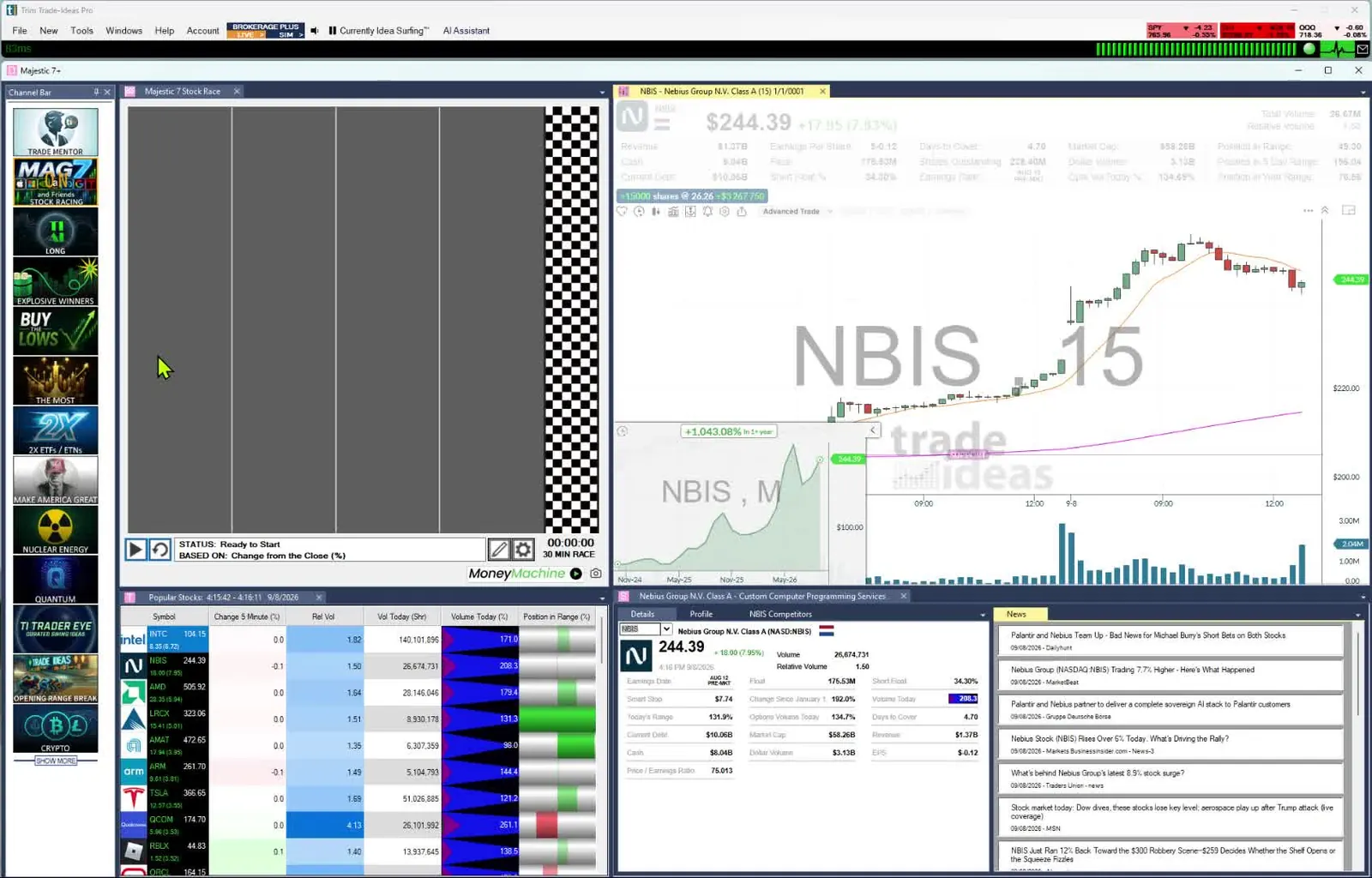
Trade Ideas doesn't run Pine Script, and Pine scripts can't be pasted in. The two do different jobs. Pine Script is a language for chart indicators and strategies, applied to the chart you are looking at. Trade Ideas formulas are market-wide, real-time scanner filters: one formula screens the whole market as trades print, inside Streaming Alerts and Top Lists (Screeners). If you came looking for TradingView screener scripting, the closest Trade Ideas equivalent is a Formula Editor filter in a Top List, rewritten in Trade Ideas syntax.
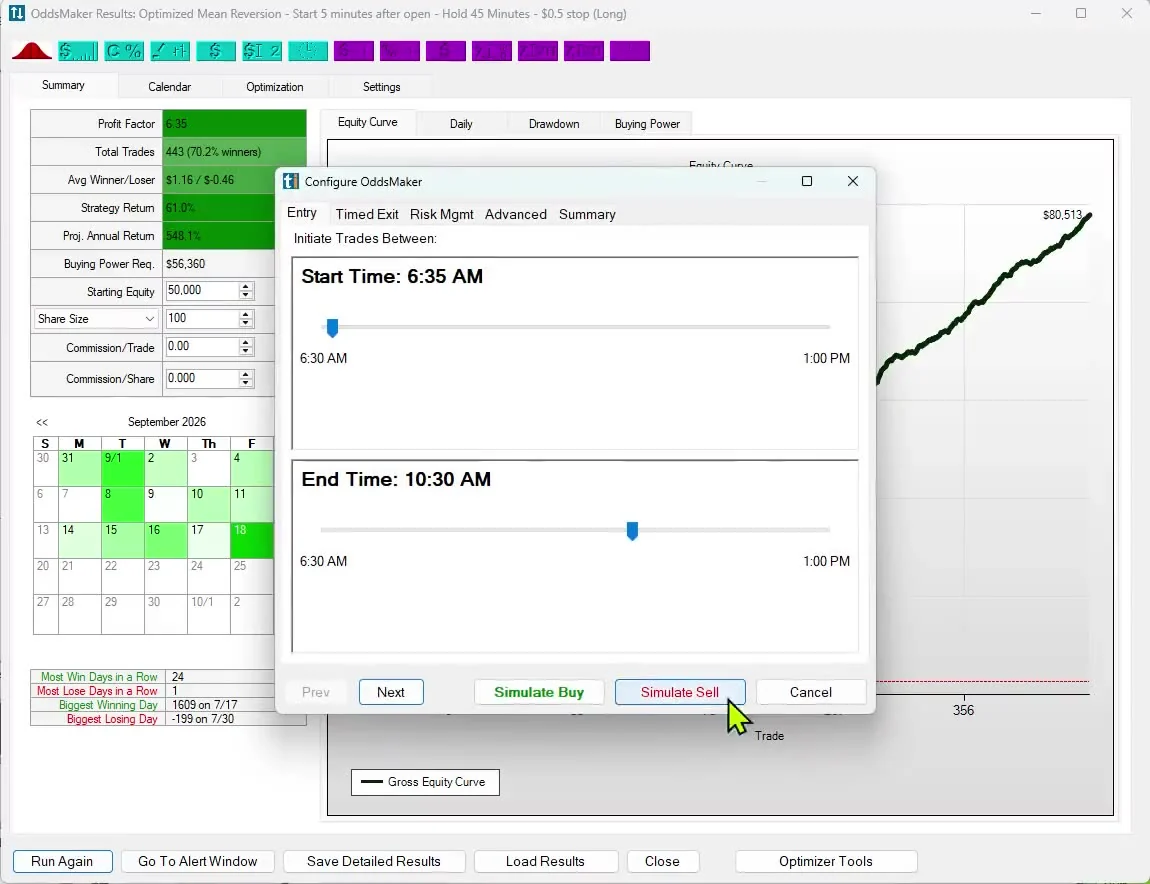
Put the formula in an Alert window and OddsMaker backtests it with profit targets, stops, timed exits or the future close or open, and reports win rate, profit factor and the trades. A profit target or stop can also use a filter value, including a custom formula, so you can set your exit to a formula you wrote. OddsMaker is part of TI Premium.
Past results, including backtests, don't guarantee future results.
You don't have to script. The AI Assistant, in every TI Pro plan, builds Alert windows and Top Lists (Screeners) from plain English, then you set up the test in OddsMaker (TI Premium), also without code. See no-code backtesting software.
The Formula Editor comes with both plans. TI Standard: $89 a month billed annually ($1,068 a year) or $127 monthly. TI Premium adds OddsMaker and Holly AI Signals: $178 a month billed annually ($2,136 a year) or $254 monthly. TI Pro runs on Windows, and on a Mac through Parallels. Open a free account to try it. Prices checked October 2026.
It does a different job. Trade Ideas doesn't run Pine Script; its Formula Editor scripts filters that scan the whole market in real time, rather than indicators on one chart.
No. Rewrite the logic as a Formula Editor formula using Trade Ideas variable codes.
A C-style formula syntax with math operators, comparisons, Boolean logic and if-then, applied to Trade Ideas variables such as [Float] and [RV].
Yes. A saved formula works like a built-in filter in Top Lists (Screeners) and Streaming Alerts.
Yes, in OddsMaker on TI Premium. Past results, including backtests, don't guarantee future results.
No. The AI Assistant builds Alert windows and Top Lists from plain English; you then set up the test in OddsMaker, also without code.
Every TI Pro plan, TI Standard and TI Premium. Testing formulas in OddsMaker needs TI Premium.
No. Formulas combine the fields Trade Ideas already provides; the rule you build is the custom part.
Free account, just an email. No card. Live access for a limited time. Ready to buy? See plans & pricing

