
Light Mode

Written by Daniel Mirkin, CEO of Trade Ideas, which makes the software described here.
Free account, just an email. No card. Live access for a limited time.

Named to the Inc. 5000 list of America’s fastest-growing private companies six years in a row (2017–2022).

Investopedia: Best Short Term Stock Screener, 2024

The short answer: Trade Ideas is real-time. Streaming Alerts fire on every qualifying trade, and Top Lists update every 15 seconds. The TI Pro toolbar also shows a live latency reading at the far right: the round trip from your computer to our servers, 37 ms in the screenshot on this page. It varies with your connection and location, and you can check it yourself.
At the far right of the TI Pro toolbar is a small reading in milliseconds. It measures the round trip from your computer to our servers and back. In the screenshots below it reads 37 ms.
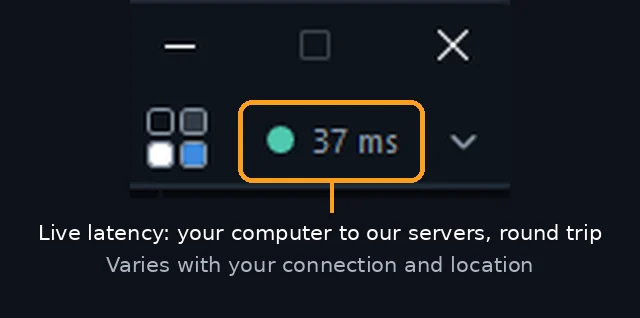
What the number is not: it isn't the time from a trade printing on an exchange to an alert on your screen, and it isn't a promise. It changes with your internet connection, your network and how far you are from our servers, and it can move during the day. What it gives you is a reading you can watch yourself instead of taking anyone's word for it.
Streaming Alerts, the scanner, don't poll on a schedule. Each of the 308 alerts fires on the trade that meets its condition, so a new high or a volume spike reaches your window as it happens rather than at the next refresh. See the momentum stock scanner page for the alerts traders use most.
Top Lists, the screener, rank the market on 249 filters and update every 15 seconds. They are built for where a stock stands right now; alerts are built for the moment something happens. Many traders run both side by side.
The toolbar reading is mostly about the path between your computer and our servers. Three things on your side shape it.
Your computer plays a part too: one that is short on memory or running many heavy windows can feel slow even with a good connection. If the reading climbs, check these first. Because the number is on screen all day, you can see the effect of each change yourself.
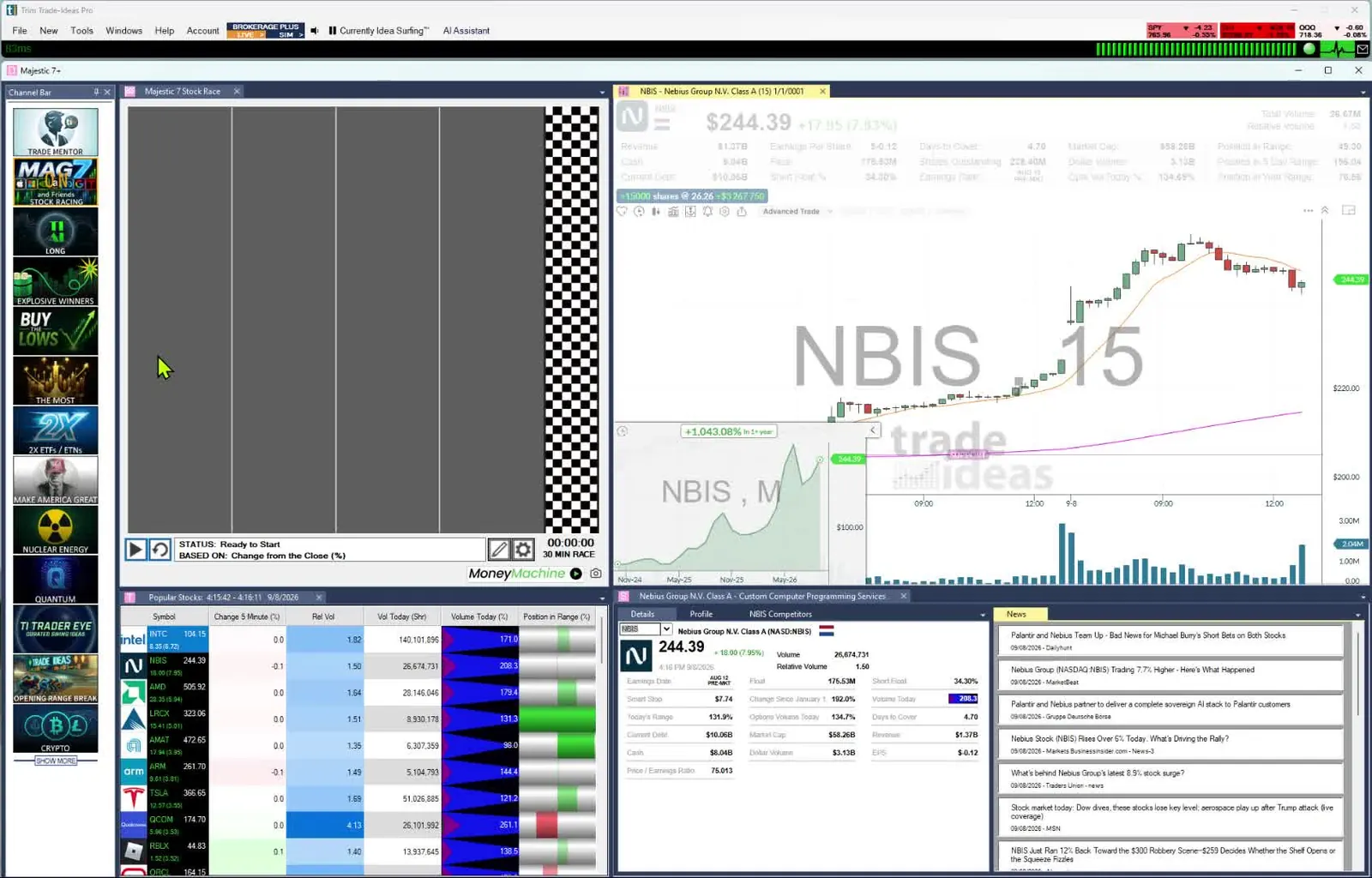
Open TI Pro and look at the far right of the toolbar. TI Pro runs on Windows, and on a Mac through Parallels; the Web Dashboard runs in any browser. To try it, open a free account. If you test a setup in OddsMaker (TI Premium), keep in mind:
Past results, including backtests, don't guarantee future results.
Yes. Streaming Alerts fire on every qualifying trade, and Top Lists (Screeners) update every 15 seconds.
It is the round trip from your computer to Trade Ideas servers, in milliseconds. It is not trade-to-alert time, and it varies with your connection and location.
Streaming Alerts fire as trades print and Top Lists update every 15 seconds. Your own connection speed shows live in the TI Pro toolbar.
Streaming Alerts have no refresh timer; they fire on the trade. Top Lists refresh every 15 seconds. Your network can add delay, which the toolbar reading helps you spot.
Not necessarily. 37 ms was one reading on one computer. Yours depends on your internet connection, network and location.
It can. Wi-Fi tends to be less steady than a wired Ethernet connection, so the latency reading may be higher or jumpier. Plug in with a cable and watch the toolbar number to compare.
Speed depends on how a scanner gets data and on your own connection. With Trade Ideas you can see your round trip to our servers on screen and judge for yourself.
Free account, just an email. No card. Live access for a limited time. Ready to buy? See plans & pricing

